It often happens that you absolutely need to have something translated as soon as possible, especially if you are a traveler located abroad. That is when translator apps can help out in an instant. There have been many different apps and services for this purpose, but almost everyone has heard about Google Translate! Let's see what this Android app has in store!
Getting started
First of all, the app has way more useful features than its browser counterpart! After a light download, you are prompted with the initial screen which lets you select your primary language and the language you translate the most often. After that, you can get started!Various input methods
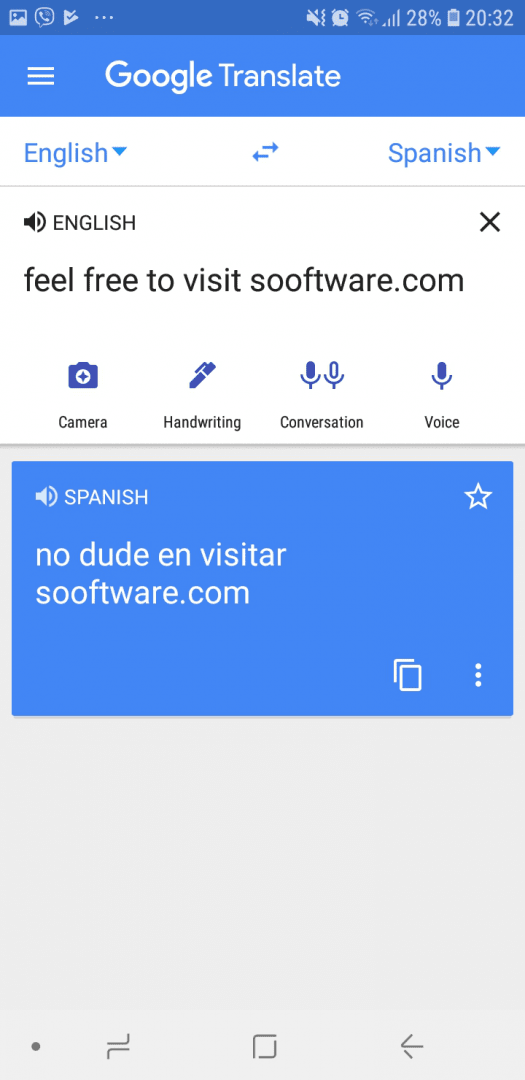
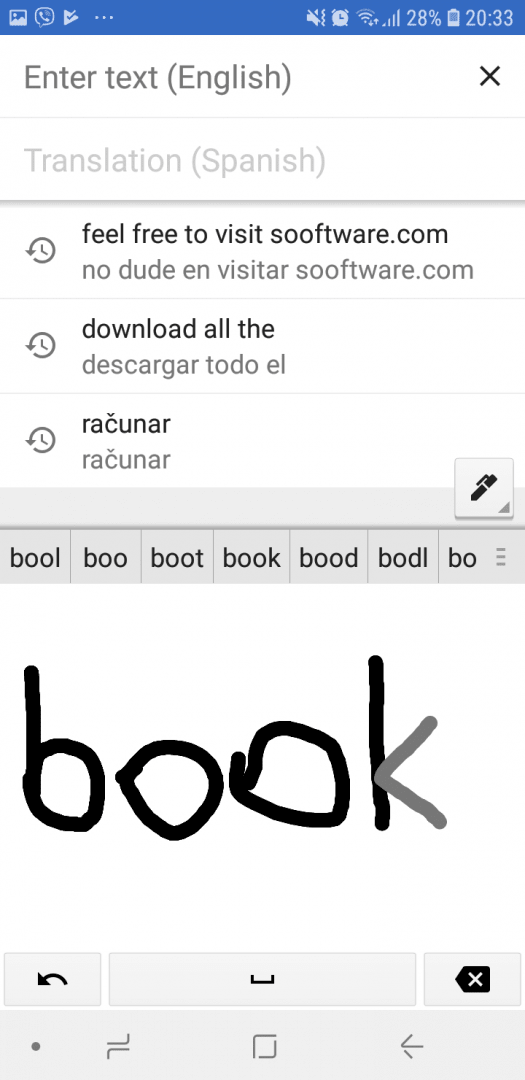
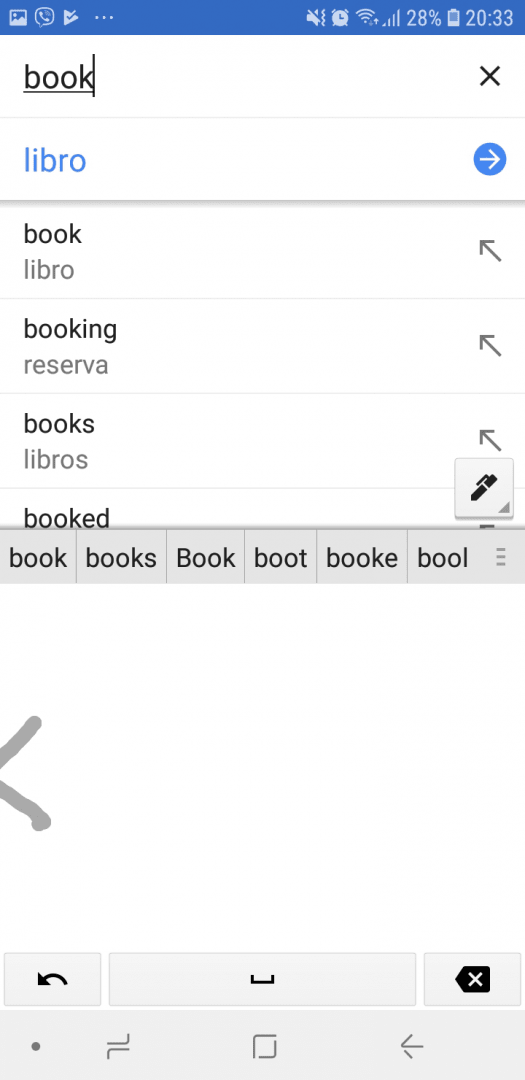
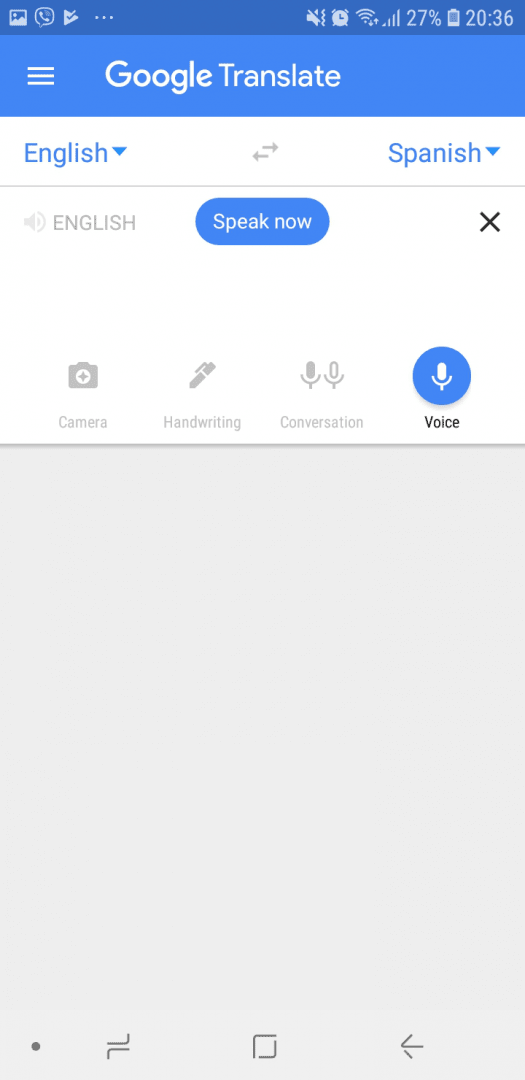
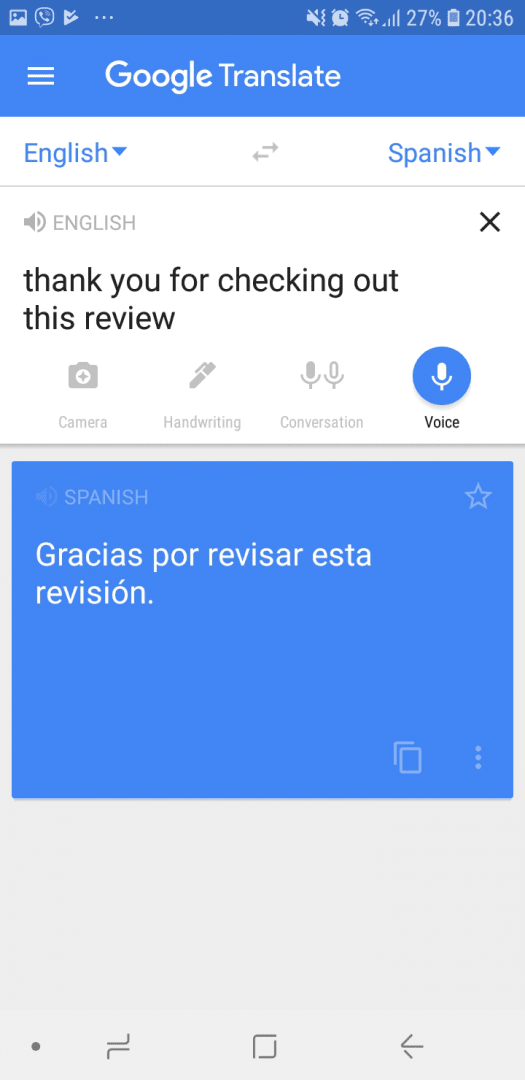
There are several distinct ways you can enter the text you want to translate. For starters, you can simply type it in, and the translation automatically appears below. If you choose the Handwriting option, a pad appears where you can freely handwrite your words. The Voice option records you speaking the phrase, and the voice recognition works quite well. No mistakes were made when we were testing it.Camera and conversation tools
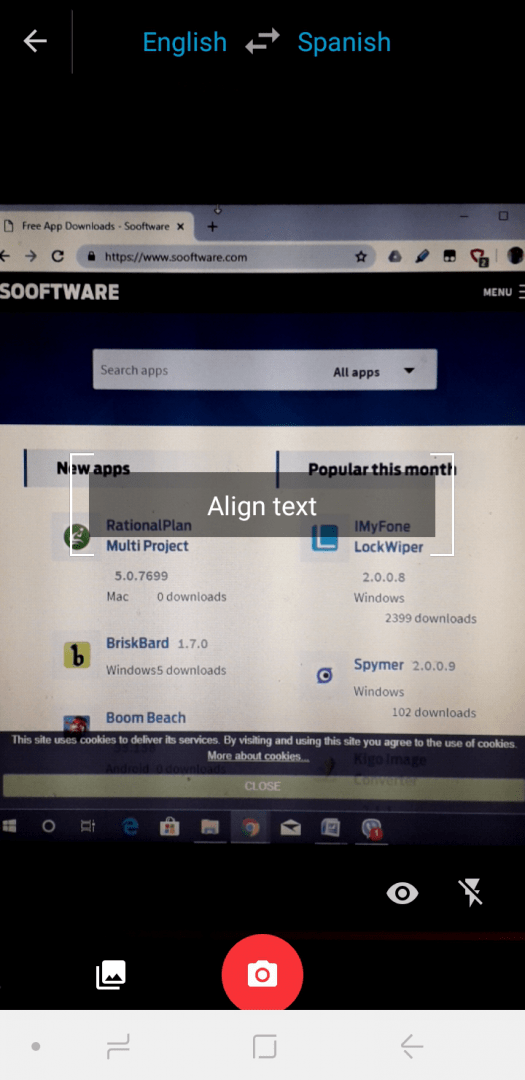
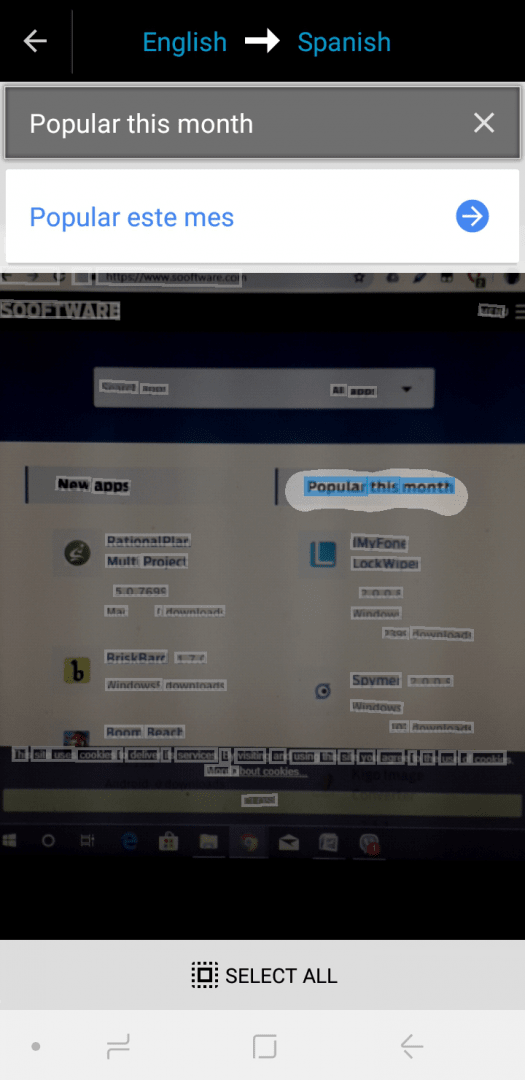
The two most interesting features are Conversation and Camera. The Conversation option records two people speaking two different languages and translates the text accordingly. The Camera option is genius! You just point your camera at any text, book page, or sign, and it instantly translates what it sees on your screen. You can also snap a photo for it to analyze the text. Its text recognition is also next to perfect!Offline access and shortcuts
There is an option to use Offline translation where you can download languages and store them on your phone for offline access. You can save common phrases you use every day by clicking the star next to them. Finally, Tap to Translate can be found in the Settings, and it displays a Google Translate icon when you copy text to the Clipboard. Clicking the icon displays the translation for the text!